Last year I got a big monitor, because I thought it would boost my productivity. It did, but only after I added a special piece of window management software.
I got a 22 inch Samsung with a resolution of 1680×1050. This was a mistake: To really boost productivity I should have bought a bigger one. 1920×1200 seems to be the sweet spot.
But what really struck me is that I seemed to spend a lot of time shuffling windows around to get the applications I wanted displayed next to each other. If anything, I felt less productive.
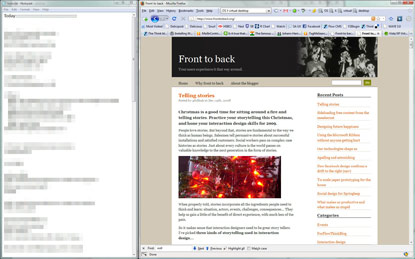
A tidy desktop, organised with Winsplit Revolution
I found a piece of software called Winsplit Revolution, courtesy of LifeHacker. It lets you get windows into predefined sizes and positions quickly. Configuring the positions is still a confusing and manual process but it’s worth it. With intuitive key combinations I can now snap windows to top, bottom, right or left, and toggle through 66%, 50% or 25% sizes. This means I can get practical window layouts easily.
Looks like this kind of idea is included in the Windows 7 window manager. I suspect OS X users could benefit from something like this too, although Spaces might also act as a a solution to this problem.
See also…